
Breeders Aid keeps your dogs, litters, puppy weights, diary notes and buyers together in one app. This guide walks you through your first few minutes: signing in, meeting Bernie and finding your way around the five tabs.
Steps
-
Open Breeders Aid. Type the email address your invitation was sent to in Email, type your Password, then tap Sign in.
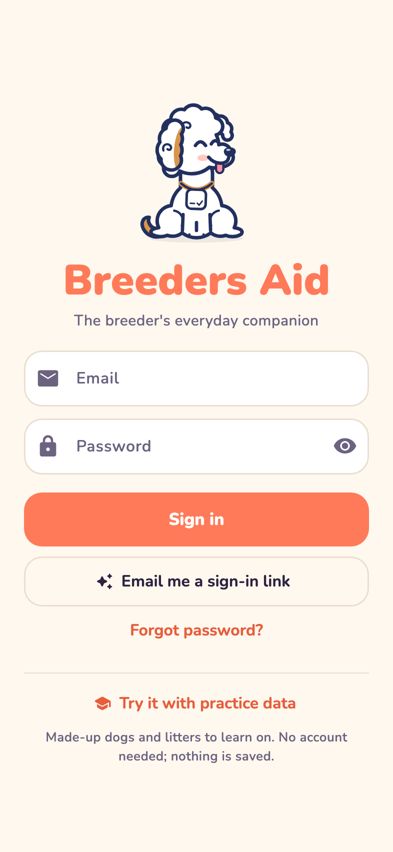
The Breeders Aid sign-in screen with Bernie, Email and Password - The first time you sign in, Bernie says hello. Bernie is the Labradoodle who keeps you company in the app. Type a different name if you like, then tap Let's go! (or Maybe later to keep the name Bernie).
-
You start on Home. Here you'll see today's date and a greeting, Bernie's messages, quick buttons (Weigh puppies, Diary note, Calendar and Handover), your Litters on the go, Coming up and Latest from the diary.
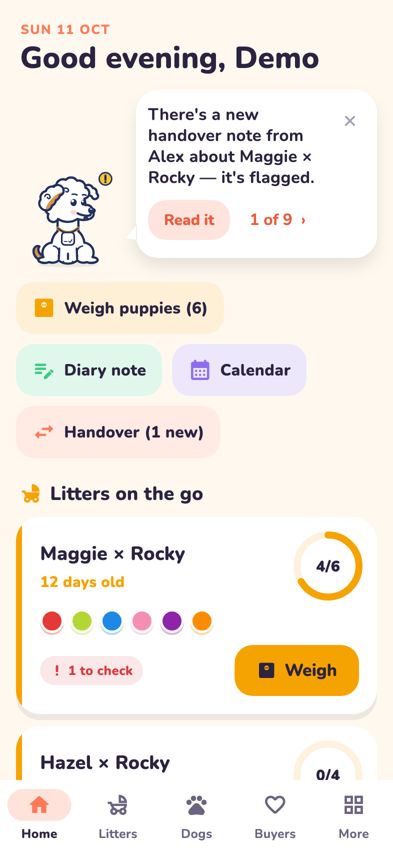
The Home tab with Bernie's message, quick actions and litters on the go -
Use the bar along the bottom of the screen to move between the tabs:
- Home: today at a glance.
- Litters: every litter, with New litter to start one.
- Dogs: your dogs, plus Breeding now for seasons, matings and due dates.
- Buyers: everyone waiting for or taking home a puppy.
- More: the calendar, settings, Bernie's options, help and your account.
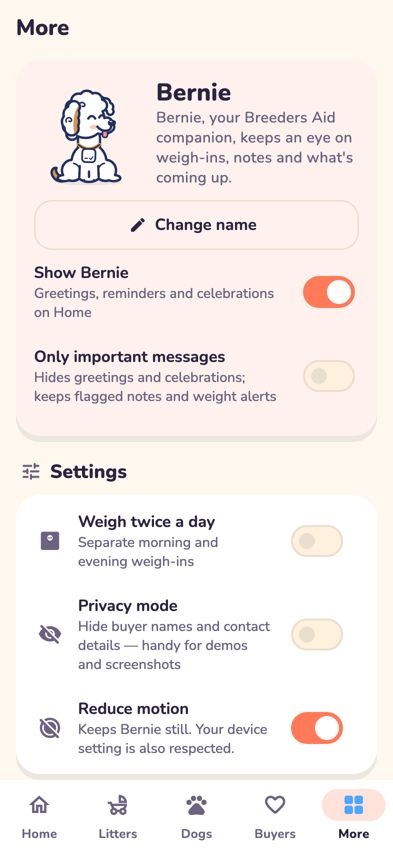
The More tab with Bernie's options and Settings - Tap the tab you're already on to jump back to its first screen.
- Look for the ? button at the top of many screens. It opens the matching Help Centre article.


Tips
- On an iPad held sideways, the tabs appear down the left side instead of along the bottom.
- Pull down on a list to refresh it.
- Want to explore without touching real records? See Try Breeders Aid with practice data.
- In More, you can rename Bernie (Change name), turn Bernie off (Show Bernie) or keep only the important messages (Only important messages).
Troubleshooting
- Bernie's message disappeared from Home. How do I get it back? If you dismissed it for the day, it comes back tomorrow. If you turned off Show Bernie in More, switch it back on.
- I can't find the calendar. Tap Calendar in the quick buttons on Home, or go to More and tap Calendar.
- Bernie keeps moving and it's distracting. In More, turn on Reduce motion. Breeders Aid also follows your iPhone's own Reduce Motion setting.
- I don't have an account yet. Breeders Aid accounts are set up by invitation. Use the email address your invitation was sent to. Until then, you can tap Try it with practice data on the sign-in screen.
- The sign-in screen says my password is wrong. See Reset your password.